
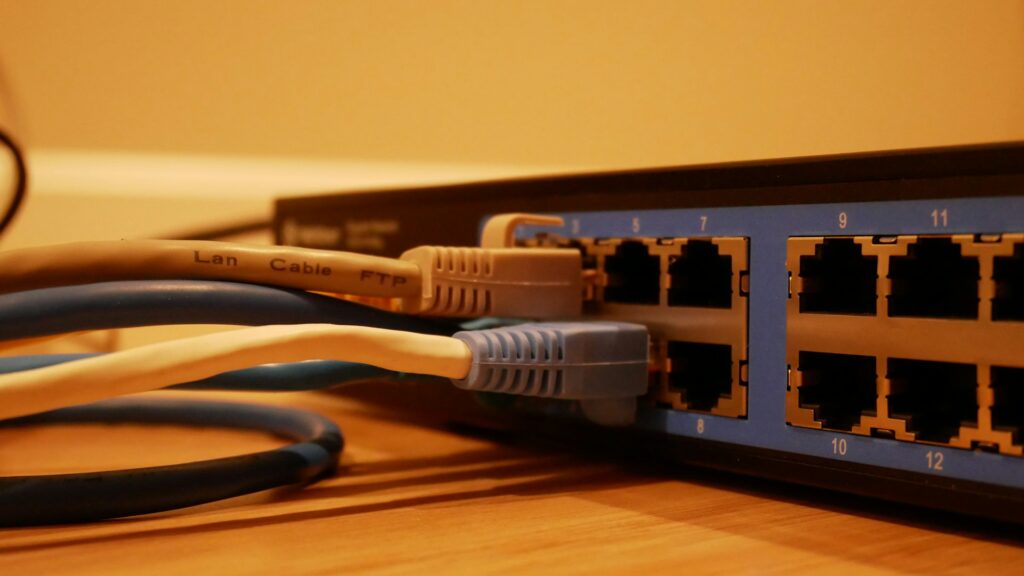
HUB, SWITCHES and ROUTERS
- These are all used for connecting devices and networks together.
- They all have ports for wires that do the physical connection.
- Their intelligence level vary.
HUB
- Function: Broadcasts data to all devices in a network.
- OSI Layer: Layer 1 (Physical Layer)
- How it works: When it receives data from one device, it sends that data to all other connected devices, regardless of the destination.
- Drawbacks:
- No filtering or intelligence.
- Causes network congestion.
- Security risk (any device can “hear” the data).
- Use today: Rare — mostly replaced by switches.
Switch
- Function: Forwards data to the specific device it’s intended for.
- OSI Layer: Layer 2 (Data Link Layer) — some operate at Layer 3.
- How it works: Maintains a MAC address table to identify which device is on which port. Sends data only to the correct port.
- Advantages:
- Reduces congestion.
- More secure and efficient than hubs.
- Use today: Common in both small and large networks.
Router
- Function: Connects different networks together (e.g., home network to the internet).
- OSI Layer: Layer 3 (Network Layer)
- How it works: Uses IP addresses to route packets between networks. Can assign IP addresses (via DHCP), perform NAT, and filter traffic.
- Advantages:
- Allows internet access.
- Manages traffic between networks.
- Offers firewall and security features.
- Use today: Essential for any network connected to the internet.
SWITCH Vs ROUTERS
- A Switch transmit data among devices on a local network while a Router routes data among networks.
- Switches use MAC addresses while Routers use IP addresses
- Routers are far more powerful and provide additional features such as firewall protection.
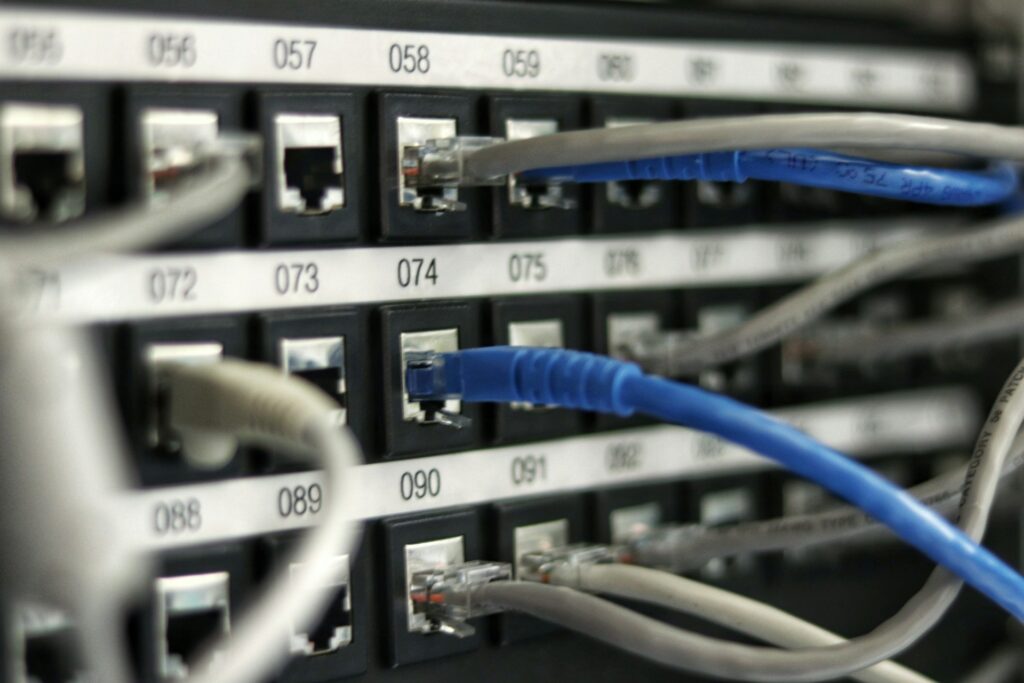
ETHERNET
Ethernet
- A protocol that determines how data is transmitted in a Local Area Network (LAN)
- Technically referred to as IEEE 802.3 Protocol of wired networking.
- Used to connect computers, routers, switches, and other devices within a physical space like a home, office, or data centre.
- Most laptops & PC come with integrated ethernet cards
- Known for being fast, reliable, and secure compared to wireless alternatives like Wi-Fi.
Ethernet Network Requirement
- Computers and devices e.g. printer
- Ethernet cards and ports e.g. RJ 45
- Hubs or Switches
- Cables
- Software to manage the network
How Ethernet Connects Devices:
- Cabling:
- Devices are connected using Ethernet cables (usually with RJ45 connectors).
- Each device must have a Network Interface Card (NIC) with an Ethernet port.
- Networking Equipment:
- Ethernet cables plug into devices like switches or routers, which manage data traffic.
- A switch connects multiple devices in a LAN and forwards data only to the device it’s intended for.
- A router connects the LAN to external networks like the internet.
- Data Transmission:
- Data is transmitted in packets.
- Each device has a MAC address, a unique identifier used to ensure data gets to the right destination.
- Speeds and Standards:
- Speeds range from 10 Mbps (Ethernet) to 10 Gbps (10-Gigabit Ethernet) or more.
- Backward-compatible standards allow older and newer devices to work together (at the lower speed).
Ethernet Process with Example
- Device A wants to send data to Device B
- Device A checks to see if the carrier (main wire connecting the devices) is free
- If YES, device A sends the data packet on the network
- Device B receives the packet
- If NO, device A waits for some thousandths of second and then tries again.
Home Network:
- Your PC, smart TV, and printer connect via Ethernet cables to a router or switch.
- The router then connects to the modem, which provides access to the internet.